From the log in screen, log in as an administrator - and if this is the first time this administrator has logged in, you will be able to select a framework:
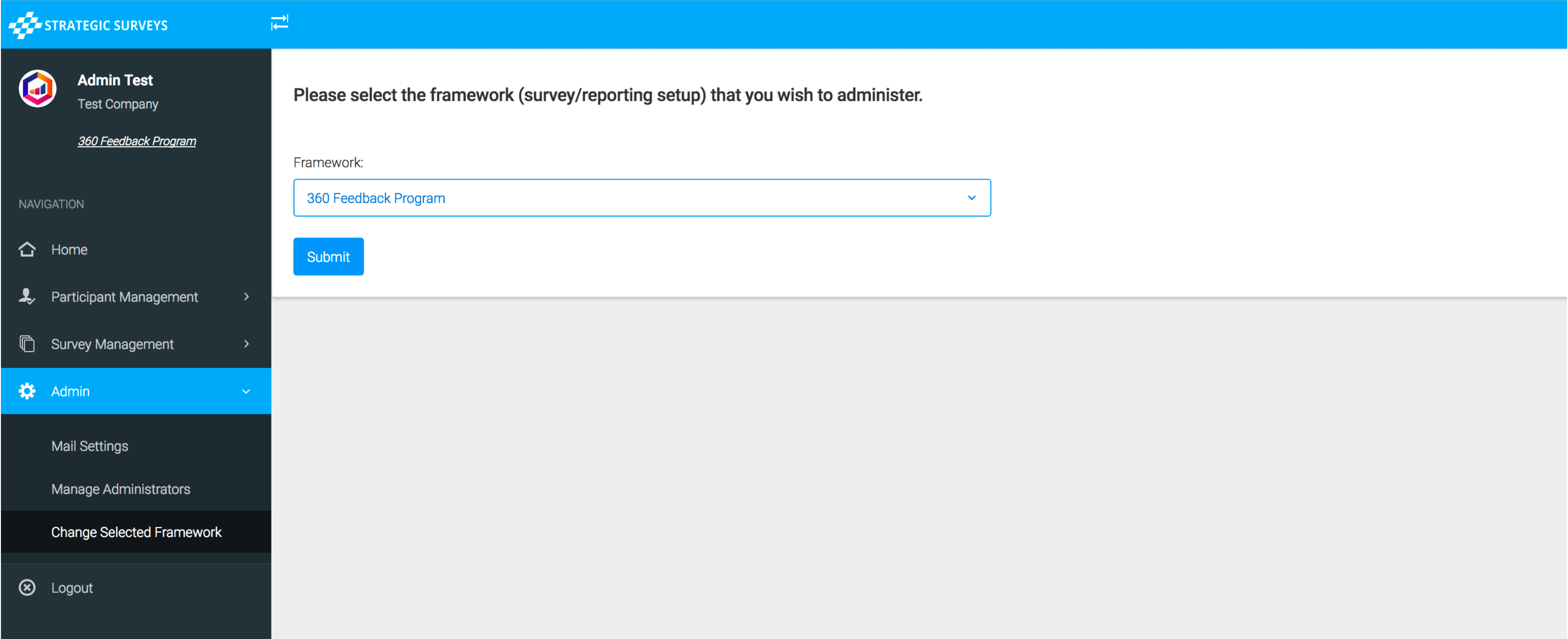
If the framework has a specific style it will be loaded upon selection. The portal will remember this framework the next time you sign in automatically, but you can go back and change it any time by going to the ‘Change Selected Framework’ menu option, or clicking the name of the program underneath your username at the top left of the screen.
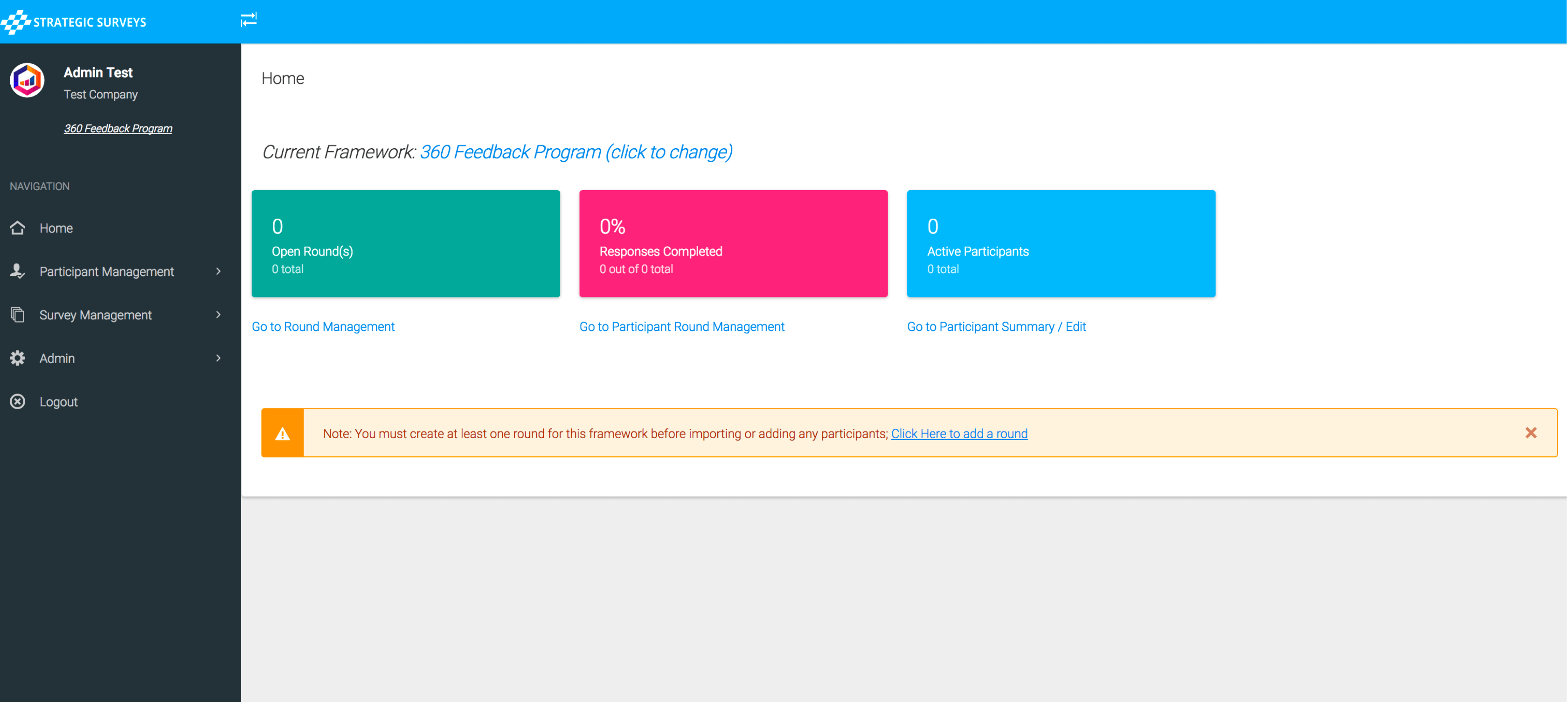
You will be taken to the 'home' page, and if no rounds exist yet in this framework you will be prompted to create a round before continuing, otherwise you will see summary information for the participants: