
The bulk import screen:
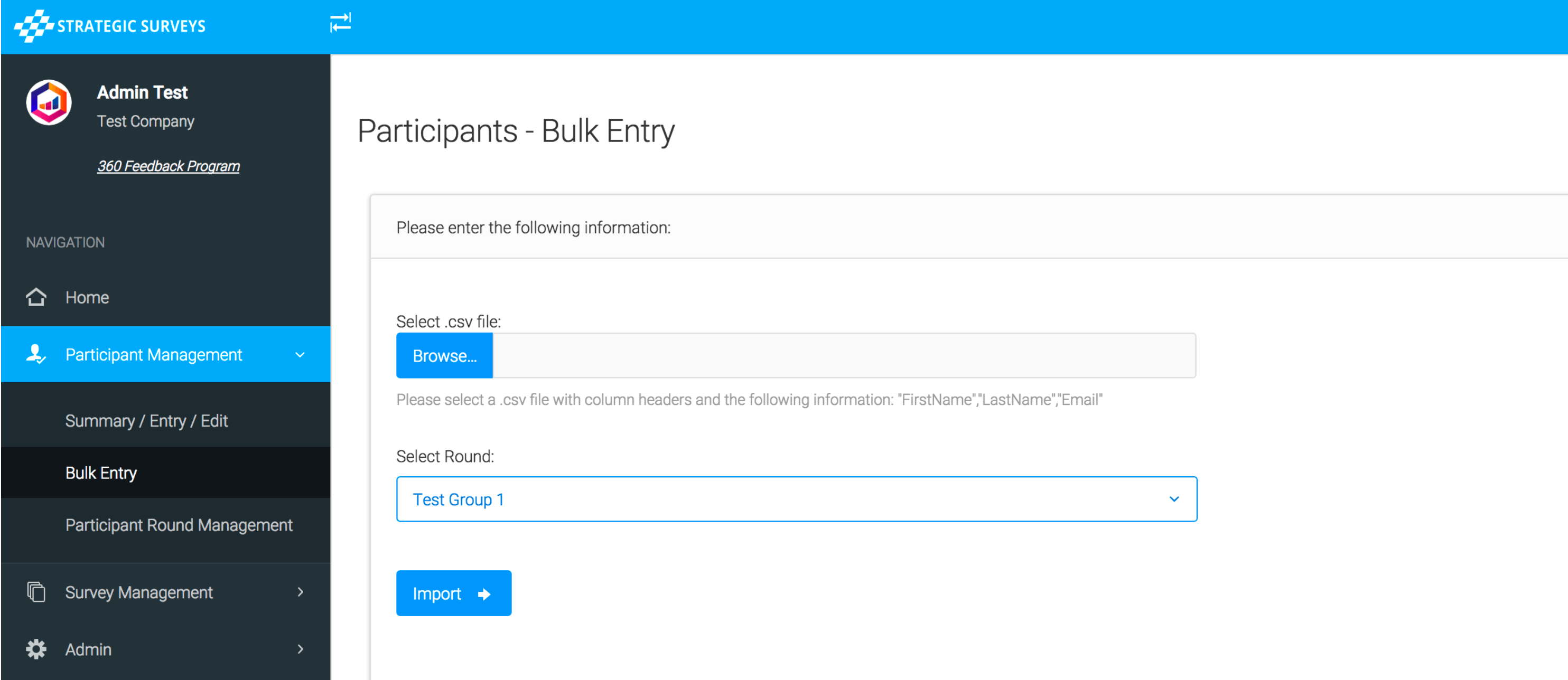
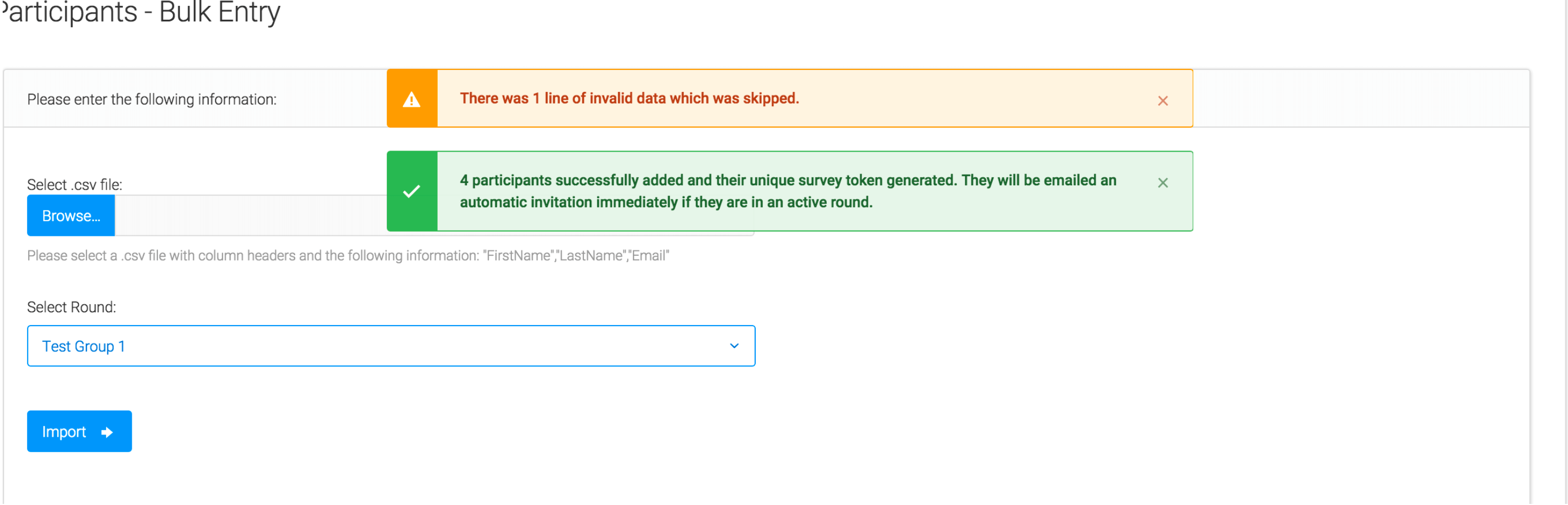
Here you can upload a csv file (with the specified columns) into any round that has been set up in the system. It will check on upload whether there are valid email addresses, and whether or not the email already exists as a participant in that framework/program. It will warn you how many invalid lines there were, and tell you if the rest were imported successfully:
Depending on the type of program you are running (eg. a 360, 180 or self score) there will be different fields required - the page itself will outline what fields you need and give you appropriate warnings if anything is missing. Please contact us if you would like a blank csv document to use as a template for your specific program.
Note: Please try to ensure the file is plain text, with no Office/Excel character encodings. One way to check this is to copy the information (highlight all fields first), then in a new document right-click and choose to 'Paste Special' - and then select 'Values' only. This may remove unusual formatting and is more likely to import all participants successfully.