
The report generation screen:
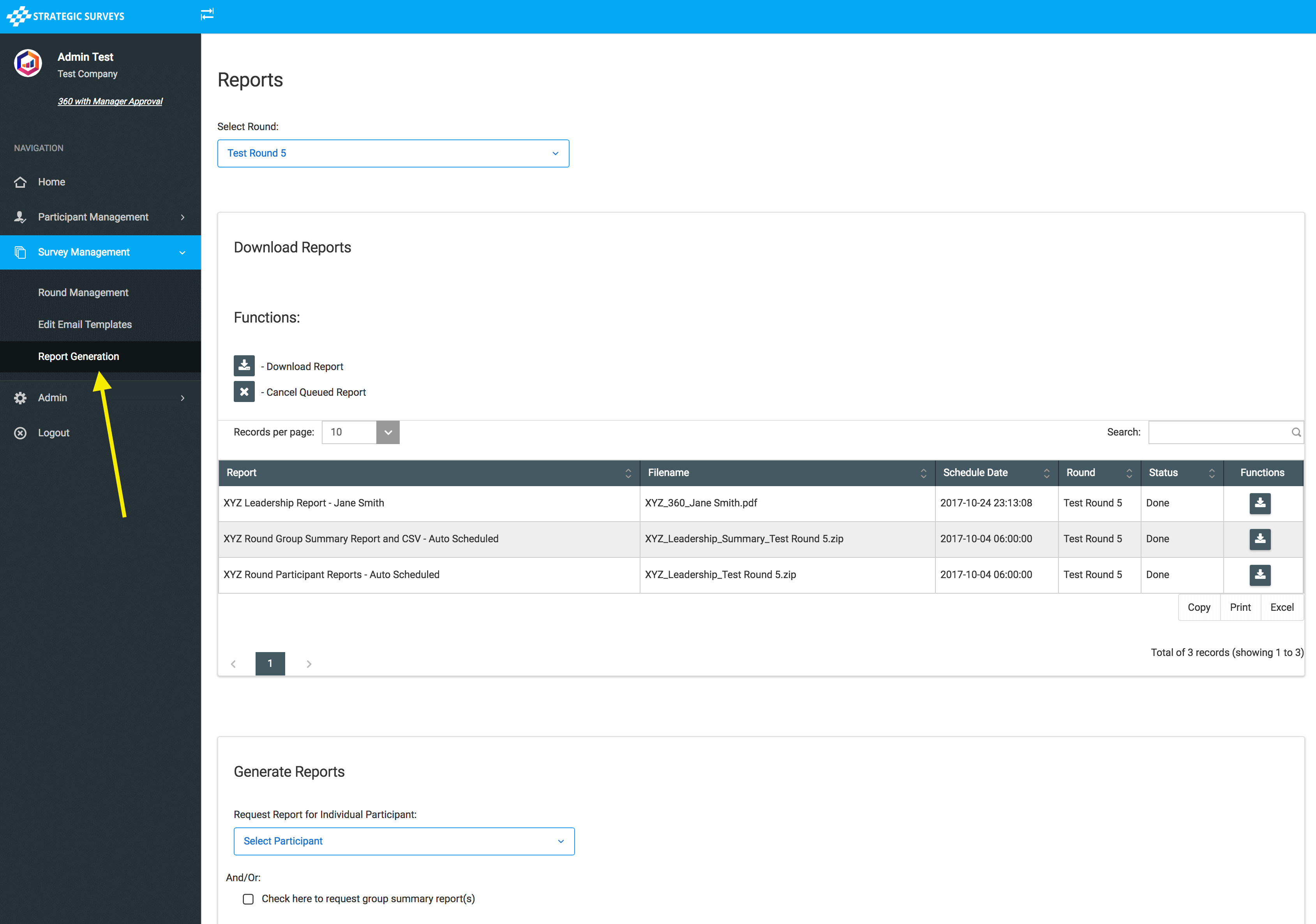
To request a report (or a group of reports) to be generated, go to the 'Generate Reports' section:
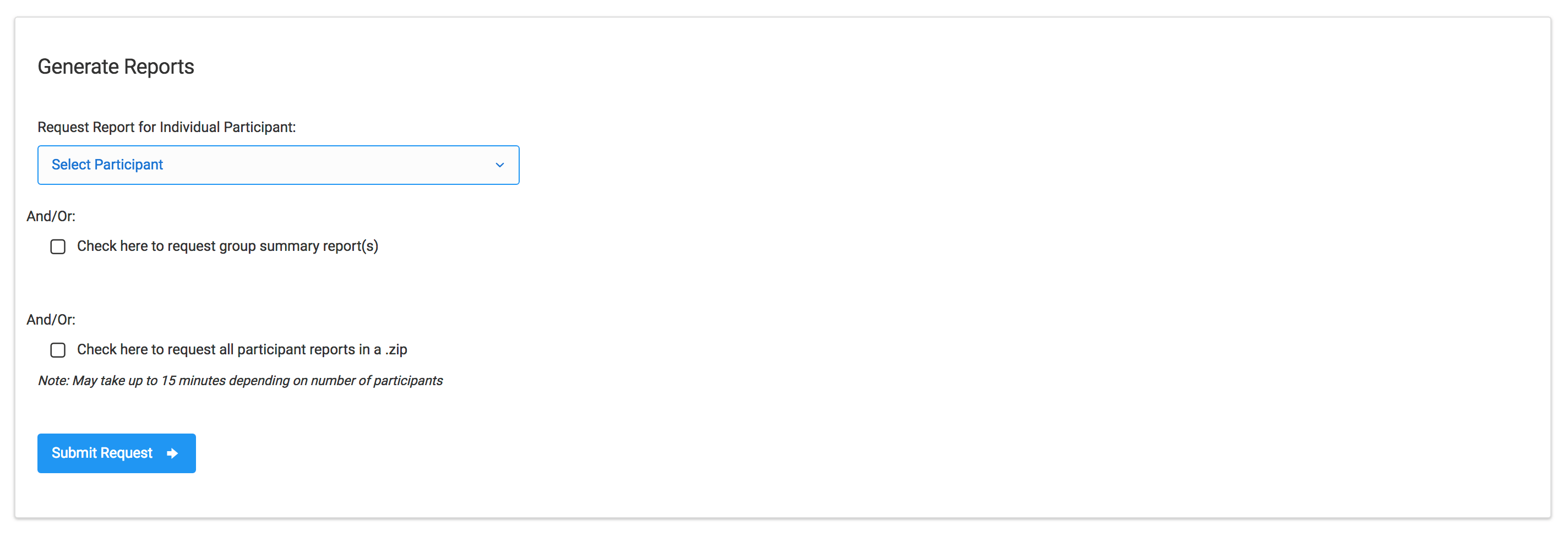
This section allows you to take multiple actions, depending on how your reports are set up. You will be able to choose an individual participant, and/or request the group report and CSV export (if available with your program), and/or request all participant reports be generated.
If you just want a single participant report generated, select the participant you want from the dropdown, and leave any other checkboxes unticked, and click 'Submit'. If you can't see the participant you want, ensure you have selected the correct round at the top of the screen.
When you have selected an option, the page will refresh and you will see it appear in the table with a status of 'Queued'. When no other reports are generating it will automatically begin processing, and change to a status 'Processing' in the table. Once complete, the status will change to 'Done' and a download link will appear in the far right column.
Please note: when selecting that all participant reports be generated, this can take 5 - 10 minutes (and if you have multiple report types and/or greater than 15 participants in a round could take up to 15 minutes).