
Depending on your program setup, you may be able to cancel raters from the admin portal. If you have access to the 'Manage Raters' screen, go there via the menu or by clicking the edit button on the participant nomination status screen ( ).
).
On this screen, click the cancel icon ( ) in the table for that rater - note: this is a permanent cancellation and if the rater has been emailed an invitation link this link will be made immediately invalid.
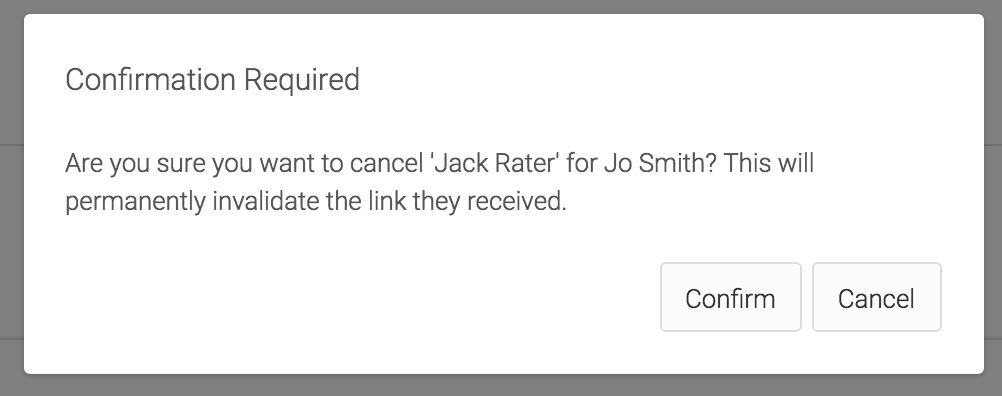
You will be prompted to confirm, and then the rater will be removed:
If you are running a program where the participant nominates through a survey, you can still click the edit icon in the participant nomination table on the main status screen - clicking this will take you to their nomination survey and you can edit the raters from there on behalf of the participant. To remove a rater, simply delete their email address and submit - the system will remove the name and email from the program completely, and invalidate their previous survey link.