
You can edit your personal account details - name, email, password, authentication settings - by going to the Account Settings page in the Admin menu:
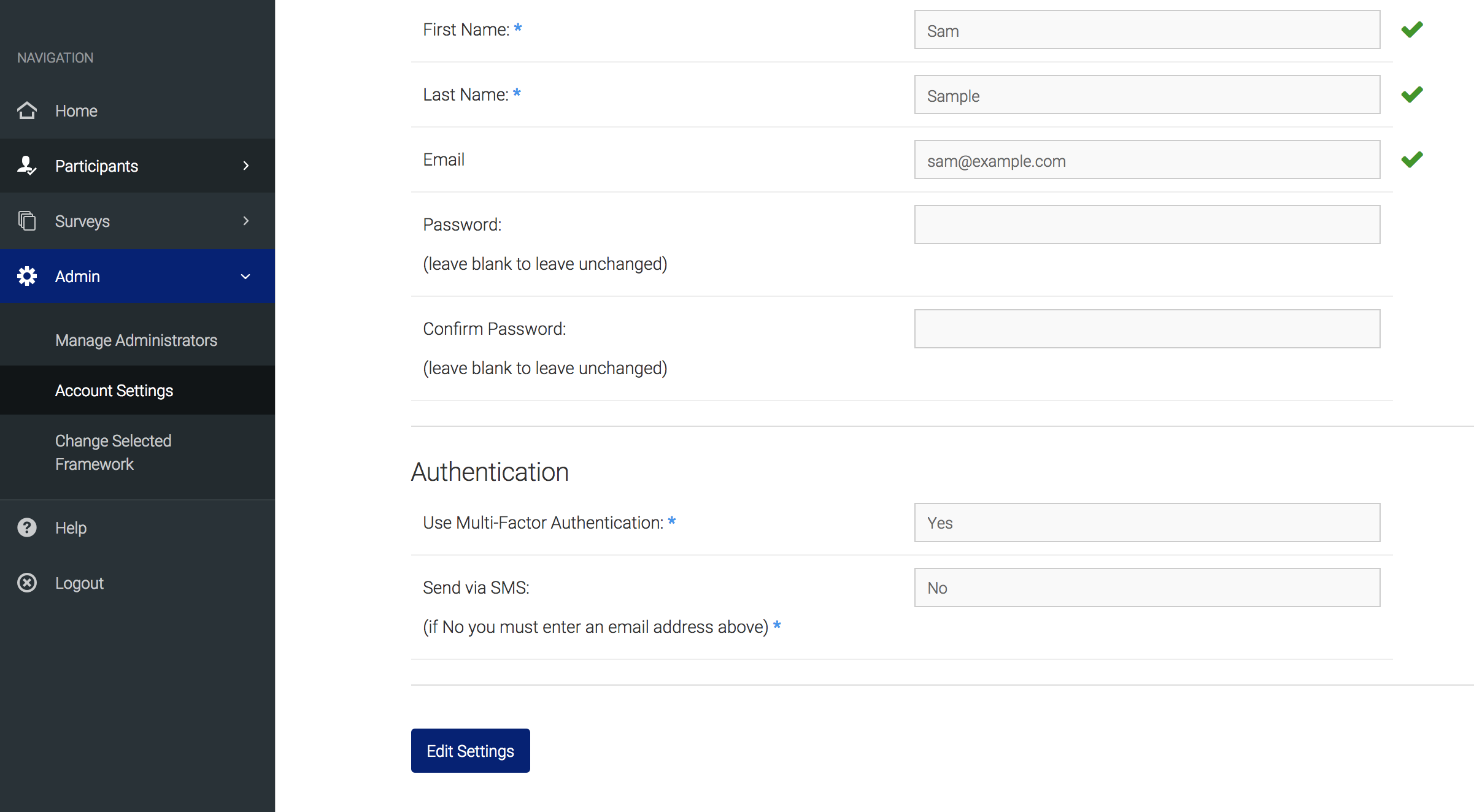
You can leave the password blank and edit the other fields to keep the same password. Email is not required, unless you choose to use Multi-Factor Authentication and to not use SMS. However, if you enter an email here it will also be useable in the 'Forgot Password' option on the login page, which will email you a temporary password that will allow you to login and reset your permanent password in this page.
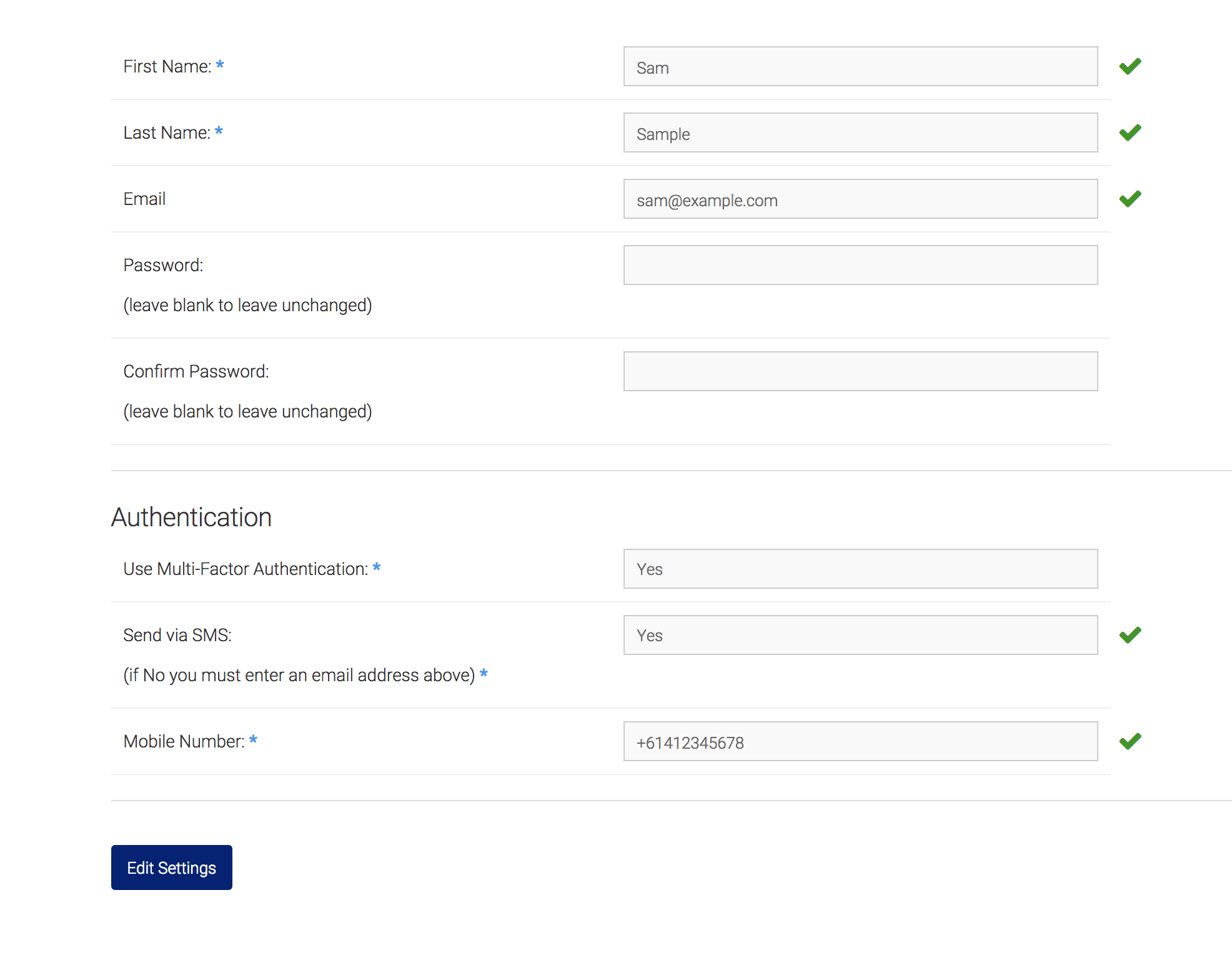
If you select to 'Send via SMS', you will be required to enter a phone number:
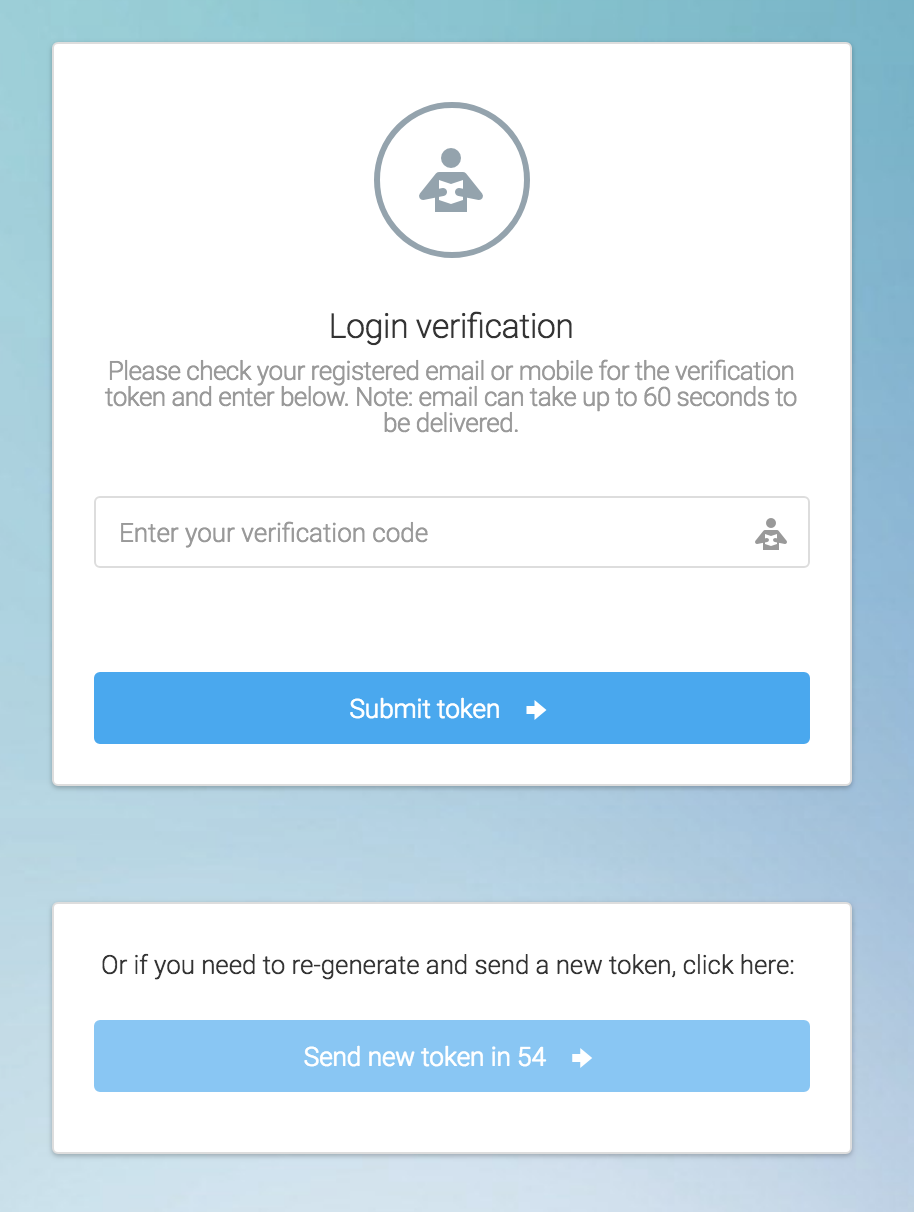
The next time you log in, you will be taken to the Login Verification page to enter your unique token, which will have been either emailed or sent to you via SMS. Please note that email can take up to 60 seconds to be delivered - if you still haven't received it in that time you can request to send a new token:
To turn off Multi-Factor Authentication, simply go into the Account Settings and change the drop down to 'No'.