
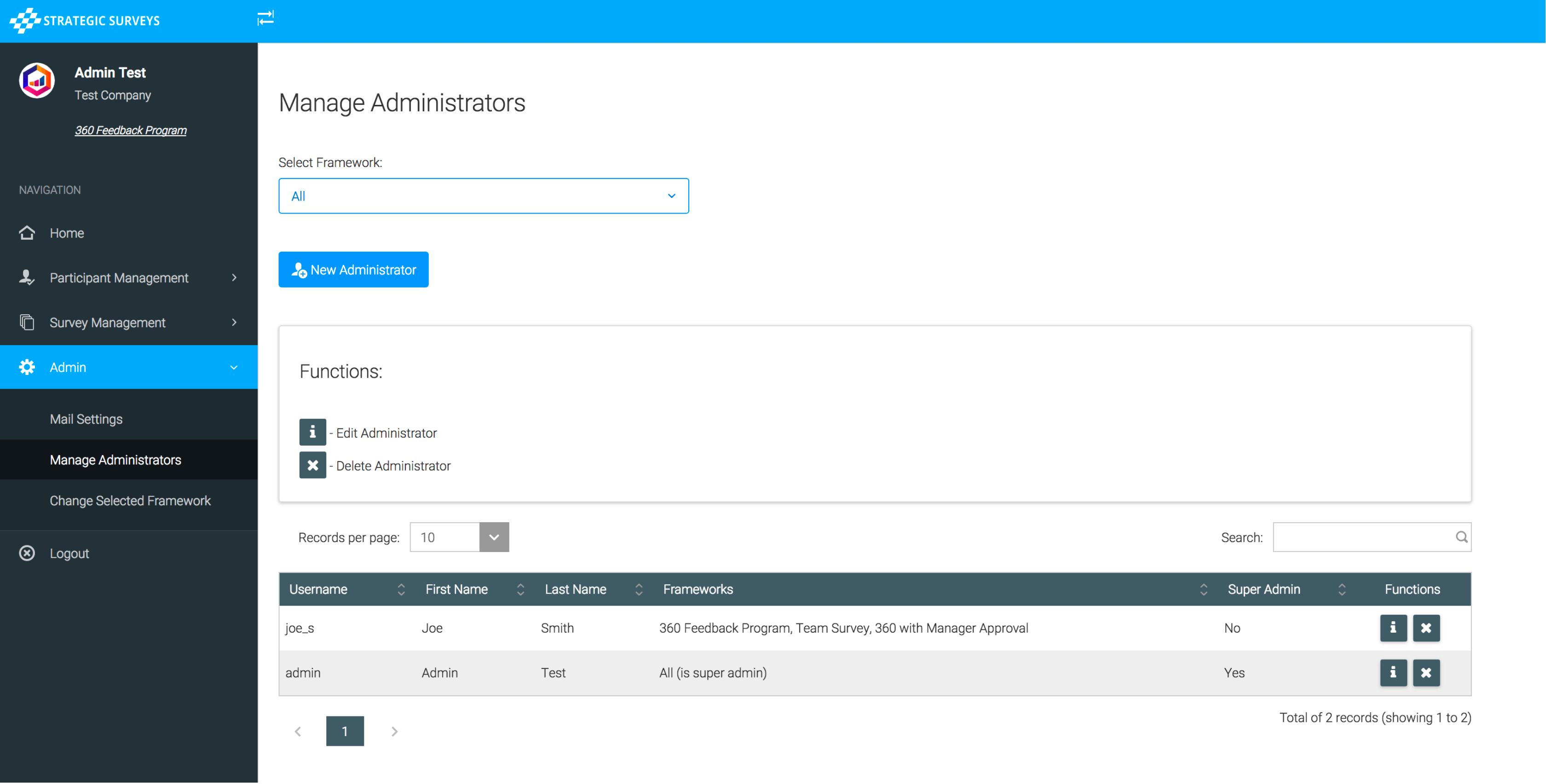
The system has the ability for ‘super administrators’ to add/edit other administrators. They can choose to make them ‘super administrators’ also, which will give them access to all frameworks for the company (if there are other programs being run), and the ability to create new administrators themselves. If you select not to make them a super administrator, you can give them limited access to individual programs currently being run, and they will not be able to add other administrators themselves.
The new administrator form, where you can select super admin (in which case you don’t need to check any frameworks, they will automatically get access to all of them) -
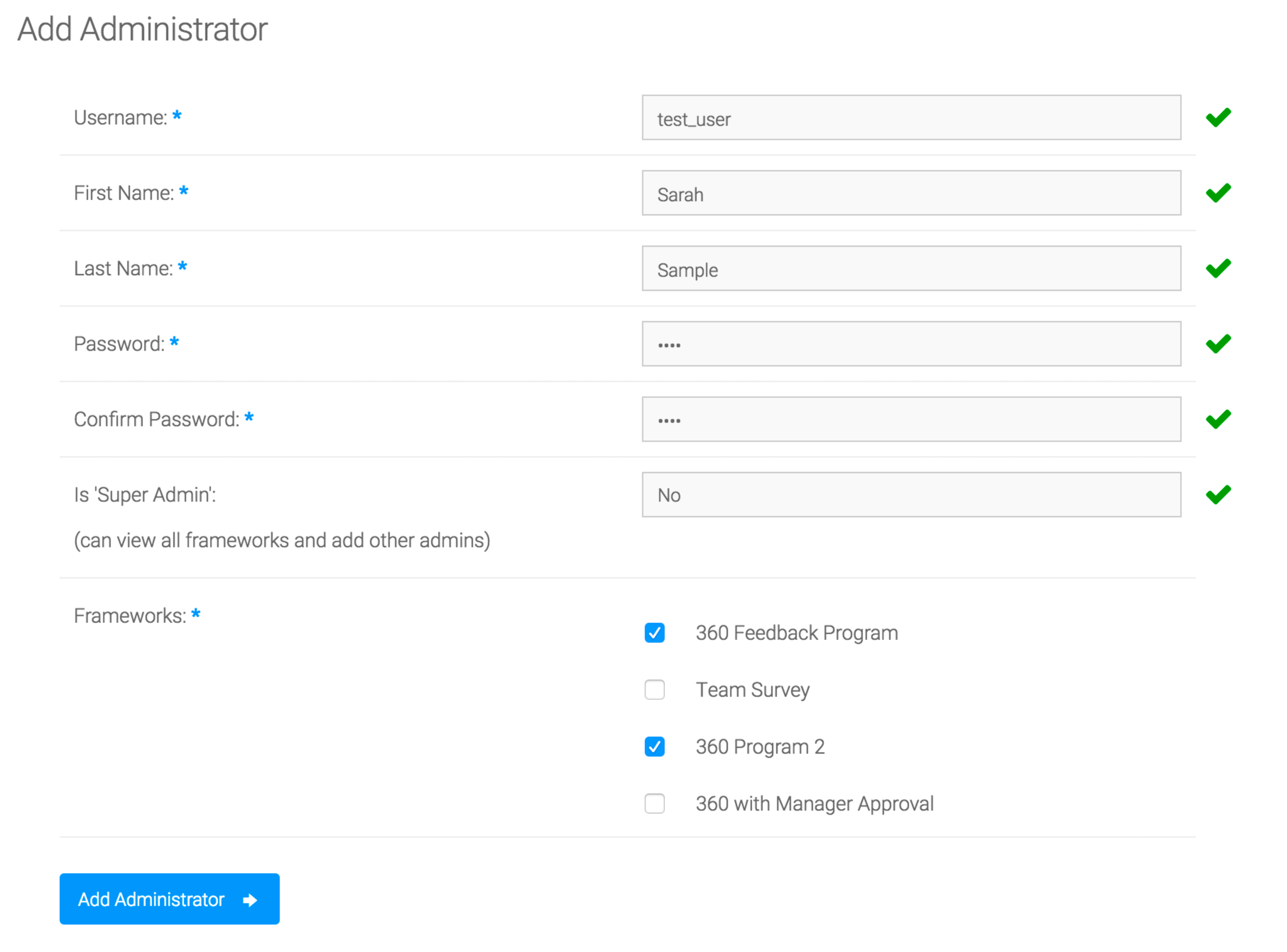
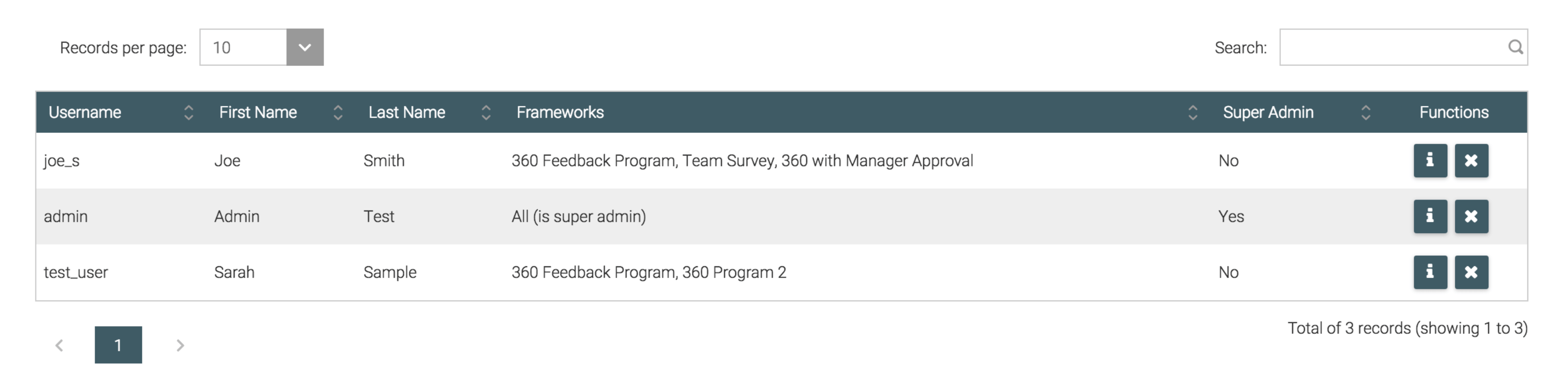
They will be able to log in immediately and have access to all survey admin functionality described above, for the frameworks/programs they were linked to.
Multifactor Authentication
You have the option to use multi factor authentication when logging in, to increase security. This can either be by sending a one-time token to your email, or sending you a token via SMS (preferred). If you have requested this be enabled you will see the following options in the Administrator edit screen:
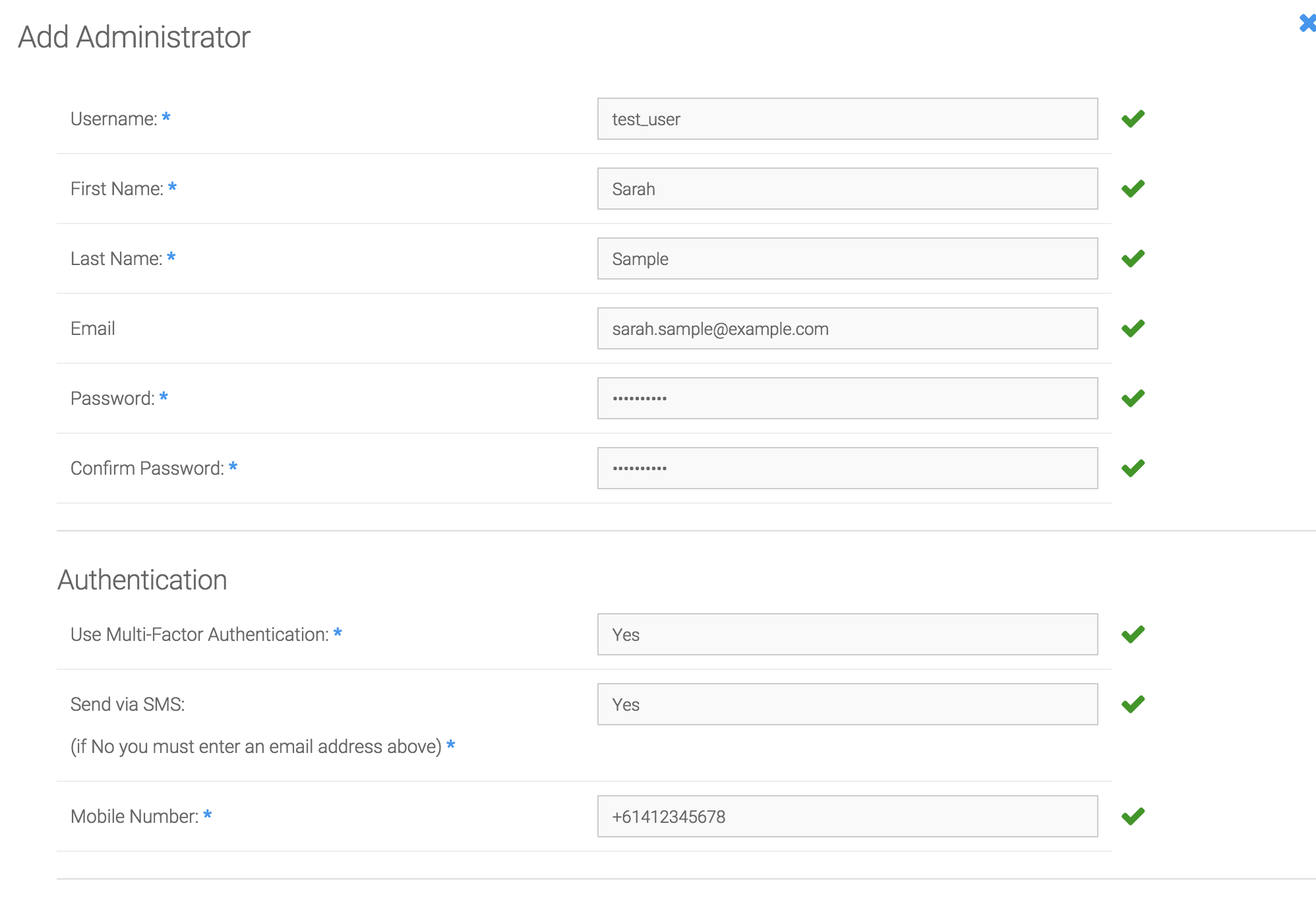
You will be able to enter an email, and choose whether to send the one-time token via SMS in which case you will also be required to enter an Australian phone number. If you require an international number please let us know and we will be able to set that up for you separately. If you have chosen not to use SMS, you will be required to enter an email in the top half of the form, otherwise the email is optional. Email can also be used in the 'Forgot Password' functionality, which will email you a temporary password you can use to log in and reset your password using the menu.
See Logging In for an example of how to use Multifactor Authentication to access the system.