
To log in to the administration system, go to your companies portal to the /login page (eg. company.insightlink.com.au/portal/login).
You will see the login form:
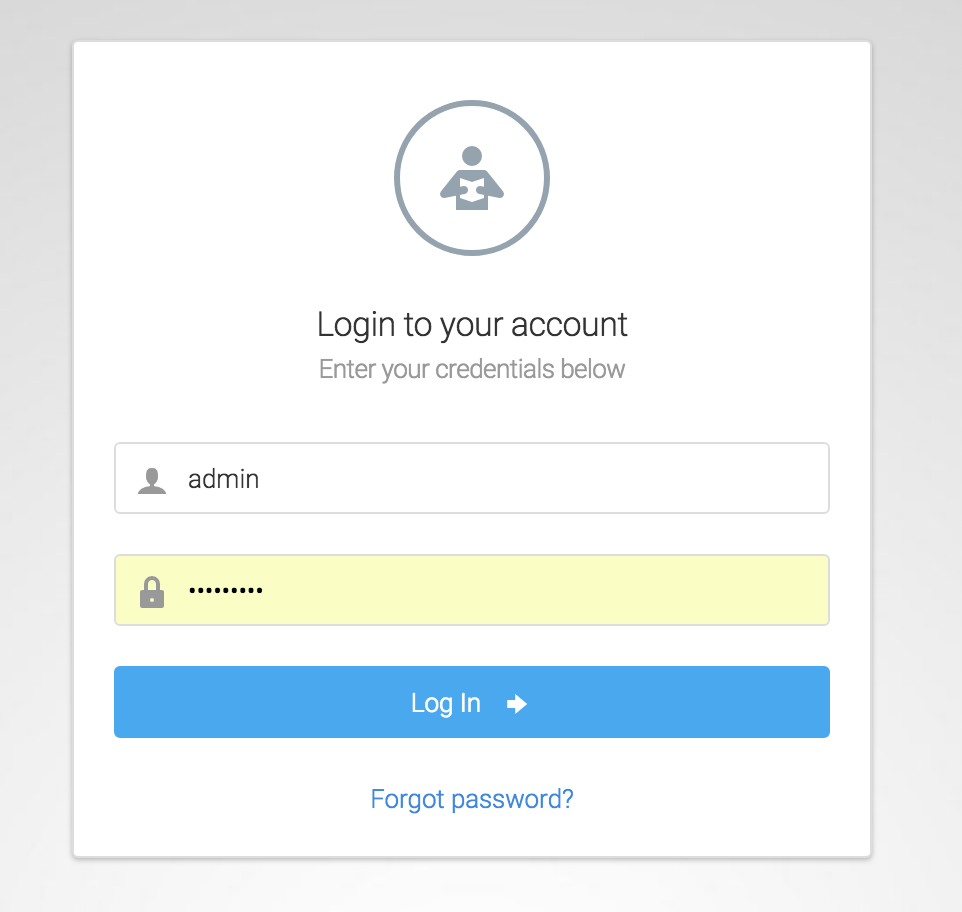
You will have been set up with an administrator username, often your firstname.lastname, and a password. You will have 5 attempts to log in with the correct username/password combination before the system will lock you out for 10 minutes. If you need help resetting your password or need to be 'unblocked', please contact us at support@strategicsurveys.com.au.
Multifactor Authentication
You have the option to use multi factor authentication when logging in, to increase security. This can either be by sending a one-time token to your email, or sending you a token via SMS (preferred). See Adding and Editing Administrators for details on how to set this up. If you have this set up, on successful login you will be emailed or sent via SMS your unique token, and taken to the login verification page:
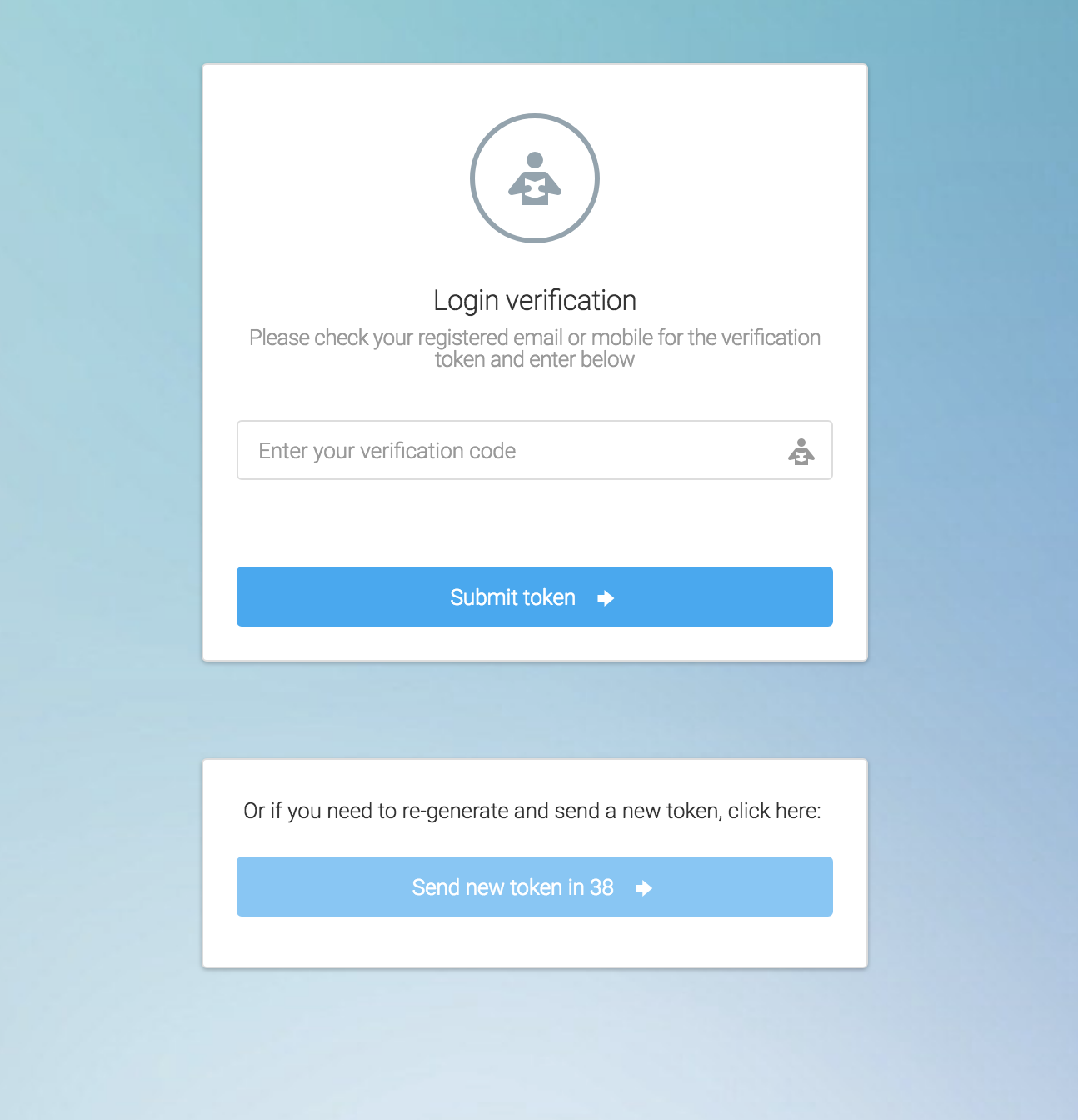
If you do not receive the token within 45 seconds you can click the 'Send new token' button to have a new one sent to you. If you still do not receive your token, please contact us at support@strategicsurveys.com.au. Please note that the email can take up to 2 minutes to appear, but it should usually be received within the 45 seconds. The SMS should come through within 20 seconds.